
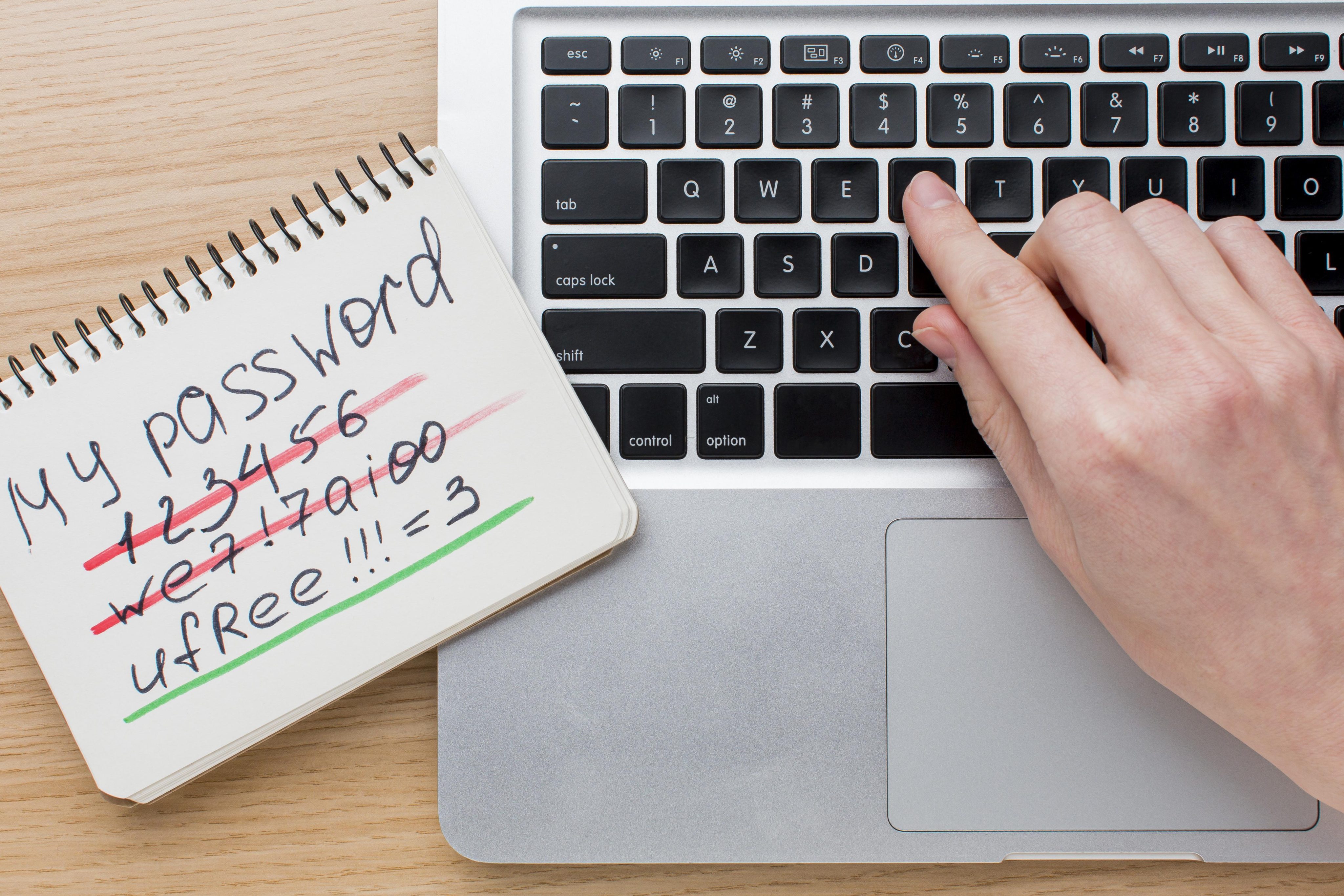
Modern Day Passwords
Password requirements have grown more complex over the past decades. No longer are passwords like "$pr!ingFuN1997" considered a good password. Todays environment is geared more towards a passphrase. Essentially a passphrase can be a sentence or just random words together such as "My favorite vehicle is a 1987 K-5 Blazer". We use this because length is stronger than complexity. And yes it is allowed to use a space between words. Utilizing a password manager and MFA are also strongly recommended. A password manager requires only memorizing the master password to unlock. MFA adds a layer of account security to each page or app you use. There is also a handy place to check and compare your passwords and email address here. Below are current best practices for password/passphrase management:
 Easy Guide to Strong, Modern Password Habits
(Clear, friendly, and made for everyday people)
 1. Use a password manager — it remembers everything for you
A password manager is like a locked notebook that remembers all your passwords so you don’t have to.
Why it helps
You only remember one password
It creates strong passwords automatically
It warns you if a website you use gets hacked
It fills in passwords for you safely
If you’ve ever reused a password because it’s easier — a manager fixes that.
 2. Use passkeys when you see the option
Passkeys are the new way to sign in. They work like unlocking your phone with your face or fingerprint.
Why they’re great
You can’t be tricked into giving them away
You don’t have to remember anything
They’re safer than passwords
If a website says “Use a passkey,” choose it.
 3. If you must make a password yourself, make it long and simple
Forget weird rules like “must include 1 symbol, 1 number, 1 uppercase.”
Those don’t help much.
Instead:
Make it long (at least 16 characters)
Use a phrase you can remember
Or let your password manager create one
Example:
Code
sunny-river-walking-path-2026
Long = strong.
 4. Turn on 2-step verification (MFA) everywhere
This is the thing where you get a code on your phone or use an app.
Best options (from strongest to weakest)
A small USB key or phone tap device
Passkeys
An app that gives you codes
Text messages
Email codes
Even the weaker ones are better than nothing.
 5. Never reuse passwords
Using the same password on multiple sites is like using the same key for your house, car, and office.
If one gets stolen, they all get stolen.
 6. Don’t change passwords unless something is wrong
You don’t need to change a good password every month.
Only change it if:
A website you use gets hacked
You think someone else knows it
You accidentally shared it
You reused it somewhere else
Otherwise, leave it alone.
 7. Protect the one password that unlocks your password manager
This is the only password you truly need to remember.
Make it:
Long
Easy for you to remember
Hard for others to guess
Example:
Code
my-favorite-coffee-is-dark-roast
 8. Do a quick check every month or two
Just a few minutes is enough.
Look for warnings from your password manager
Delete old accounts you don’t use
Turn on 2-step verification where you haven’t yet
Fix any weak or repeated passwords
This keeps everything tidy and safe.
 9. Avoid these common mistakes
Writing passwords in a notebook or notes app
Using your pet’s name or birthday
Sharing passwords by text message
Adding “!” to the end of the same old password
Using the same password everywhere
These are the things hackers count on.
 10. The golden rule
If you can easily remember your passwords, they’re probably too weak.
Let your password manager do the remembering.