30. April 2026

Screen Replacement

Steps to fix a broken laptop screen.
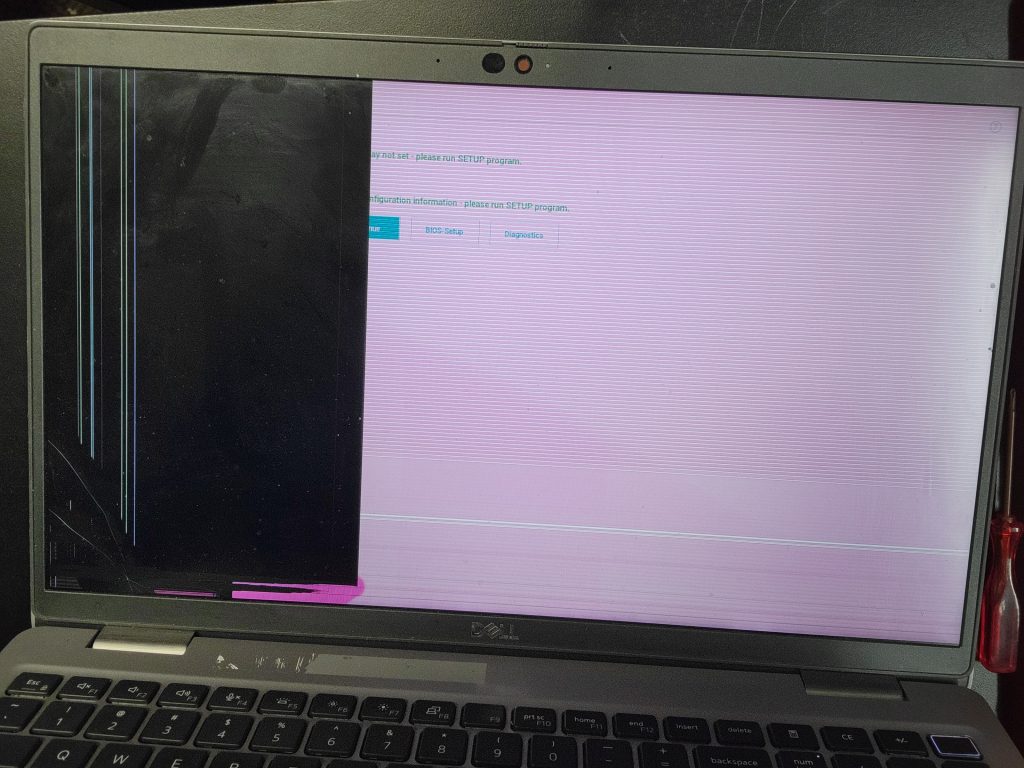
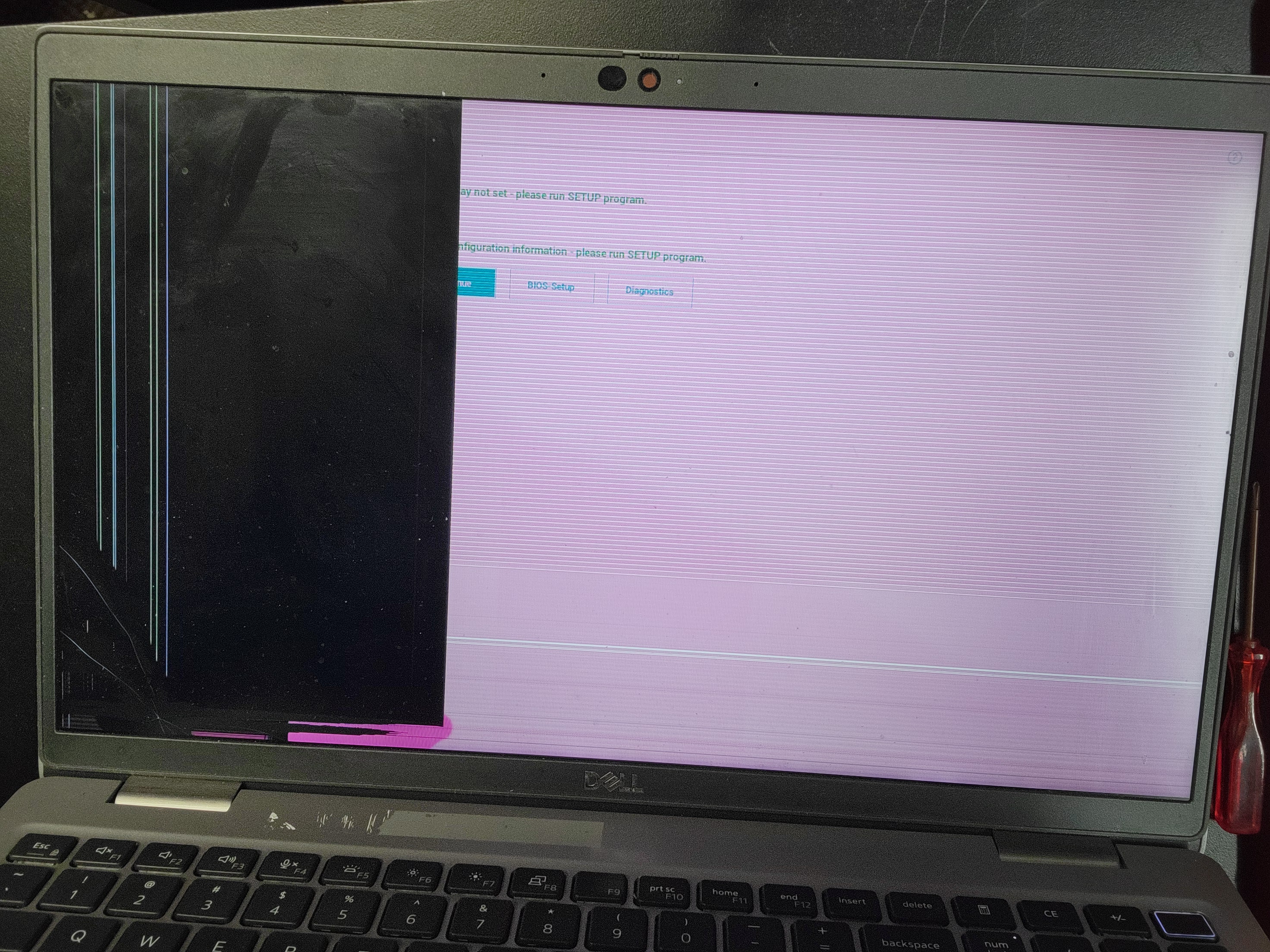
Verify screen is broken
After disconnecting battery begin screen removal.
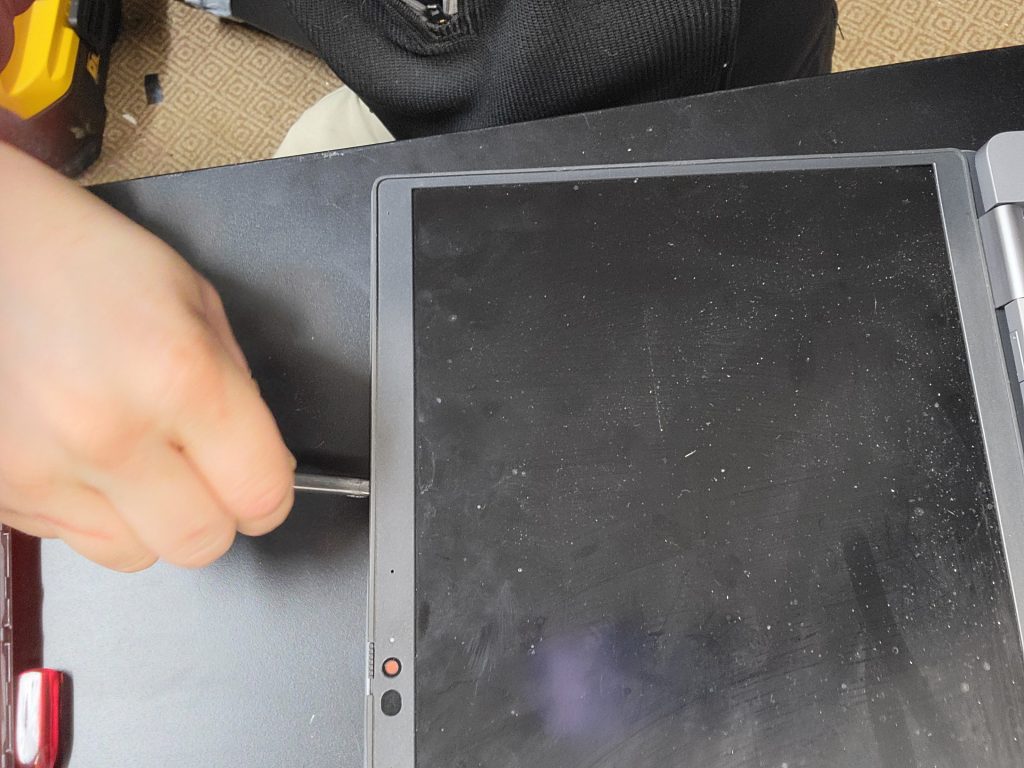
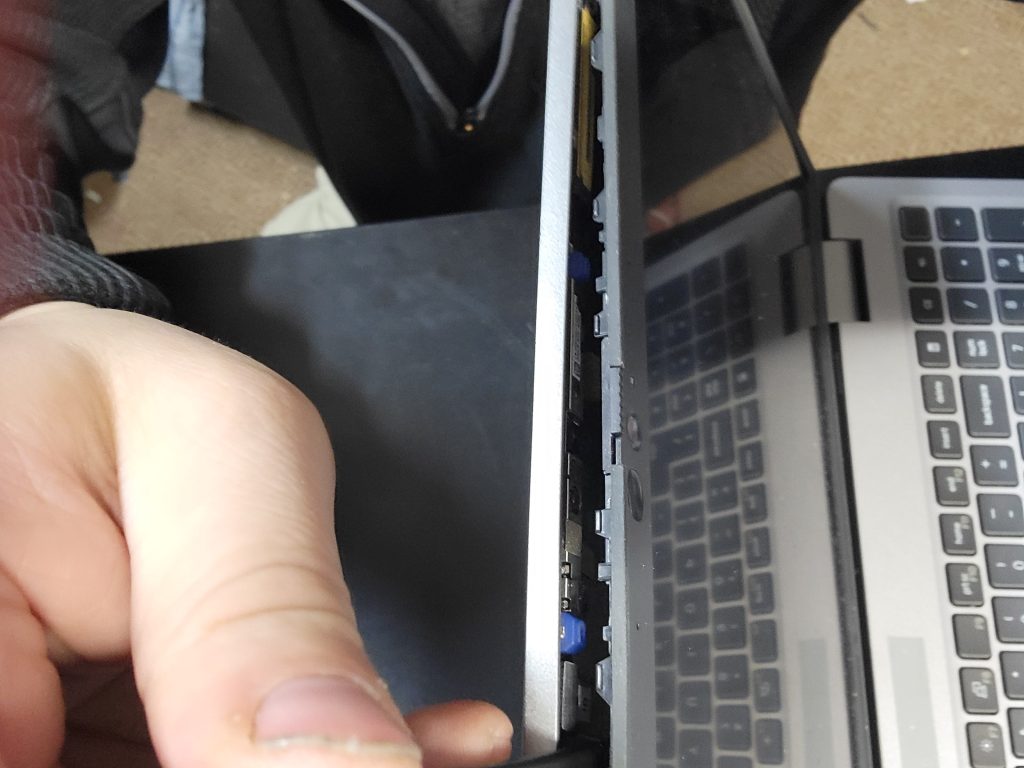
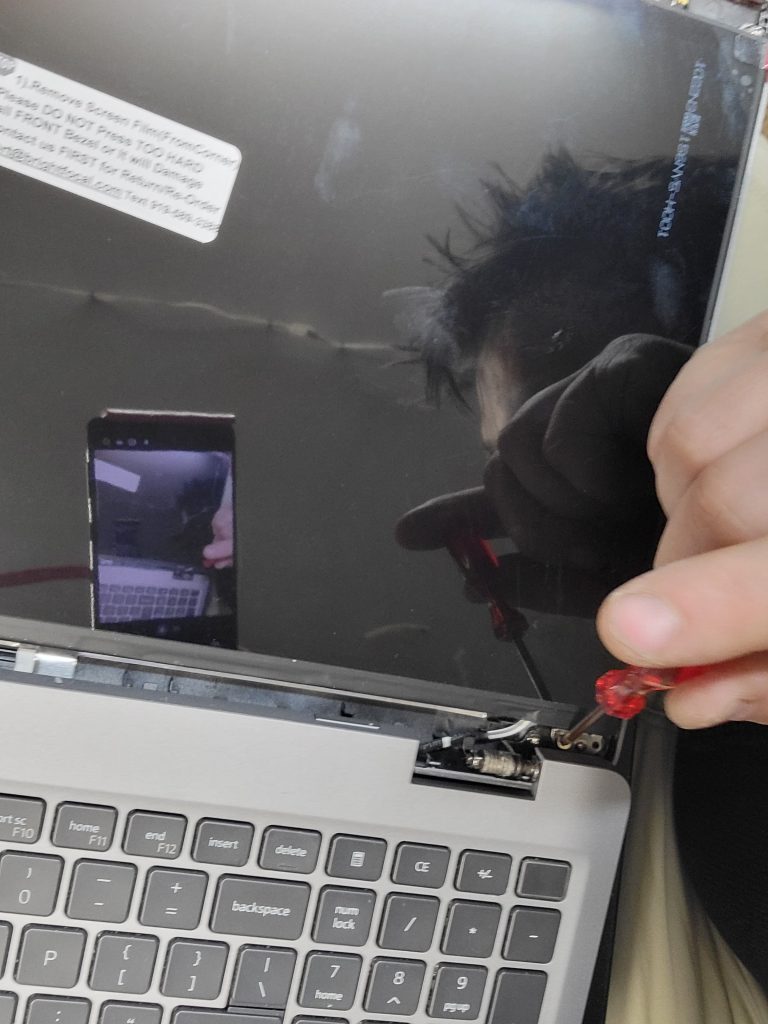
Remove upper screen bezel from case
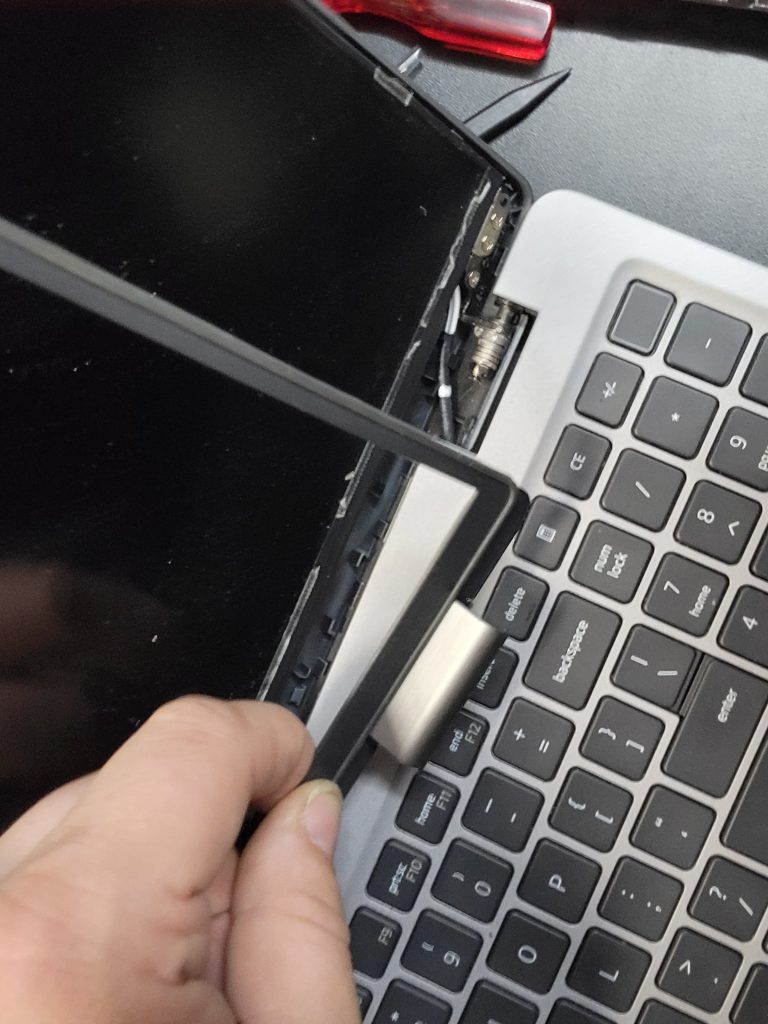
Complete bezel removal
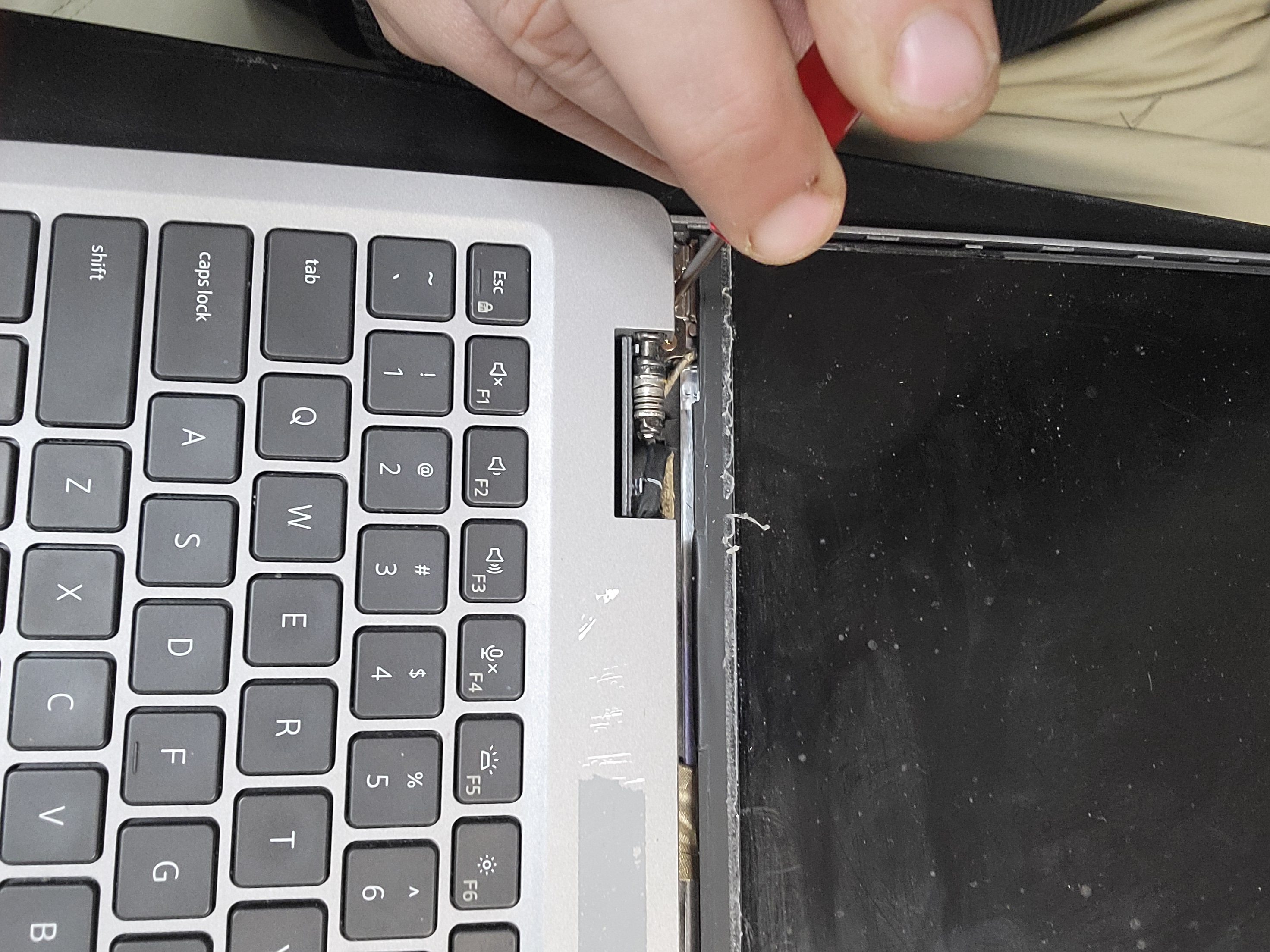
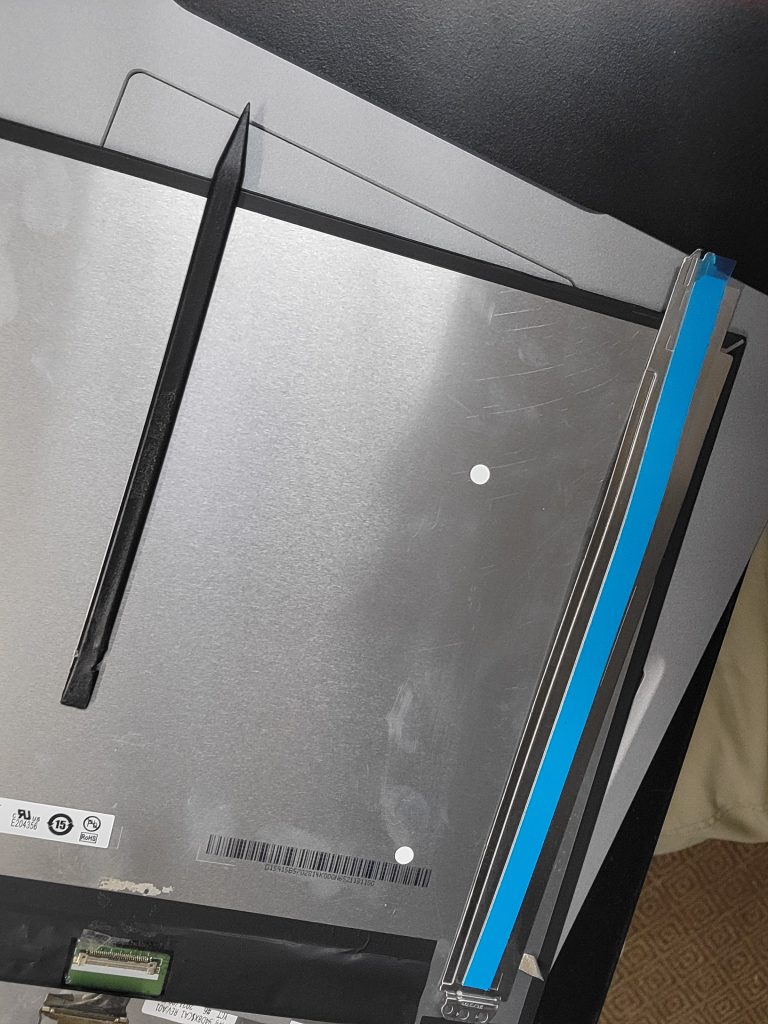
Remove screen mounts
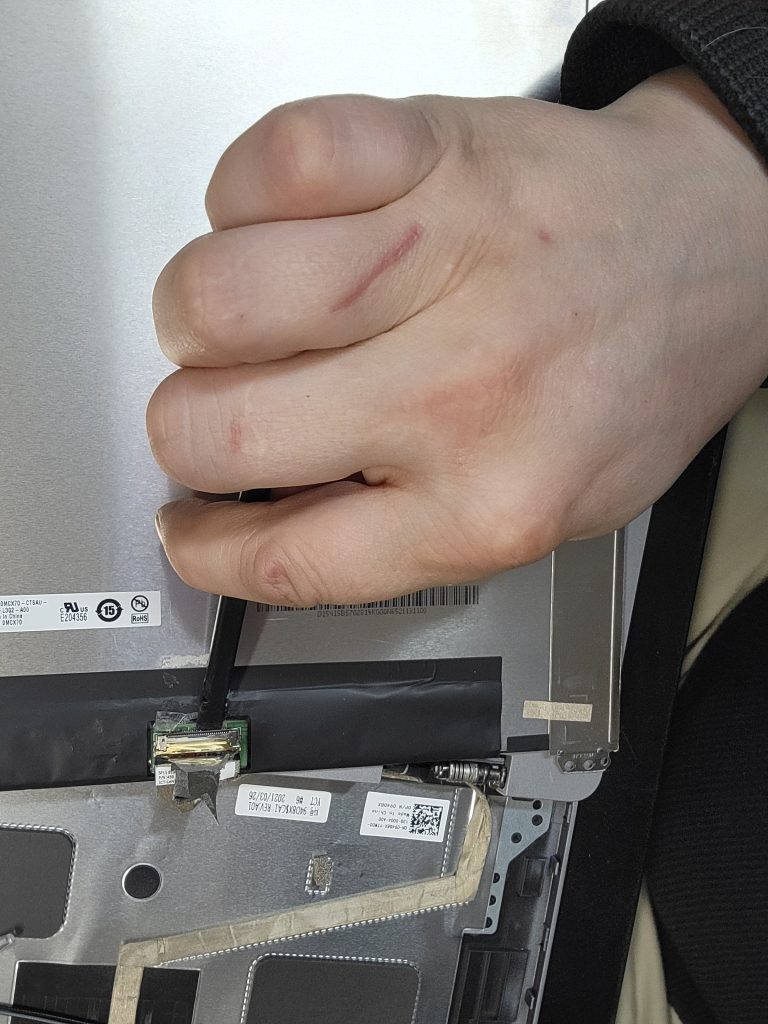
Remove cable from screen
Install screen mounts on new screen
Mount and install new screen
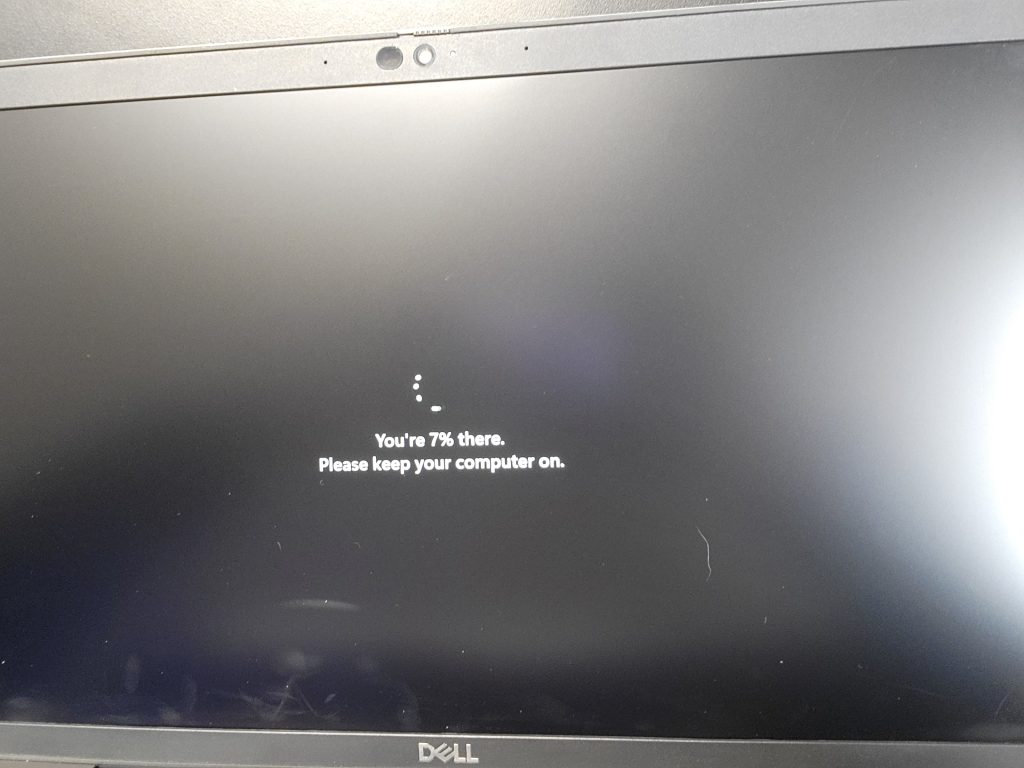
Assemble, connect battery and power on to check screen

Back

Leave a Reply

Your email address will not be published. Required fields are marked *

This field is mandatory

This field is mandatory

This field is mandatory

There was an error submitting your message. Please try again.

Security Check

Invalid Captcha code. Try again.

©Copyright. All rights reserved.

Information icon

We need your consent to load the translations

We use a third-party service to translate the website content that may collect data about your activity. Please review the details in the privacy policy and accept the service to view the translations.